

Shopify development services for fast stores your team can run.
Shopify development services for brands launching a new store, rebuilding a slow one, or moving from WooCommerce or another platform. We build custom Online Store 2.0 themes your team can edit, keep apps to the ones that earn their place, and launch with every old URL redirected.
- Custom themes
- Online Store 2.0
- Speed work
- Lean app stack
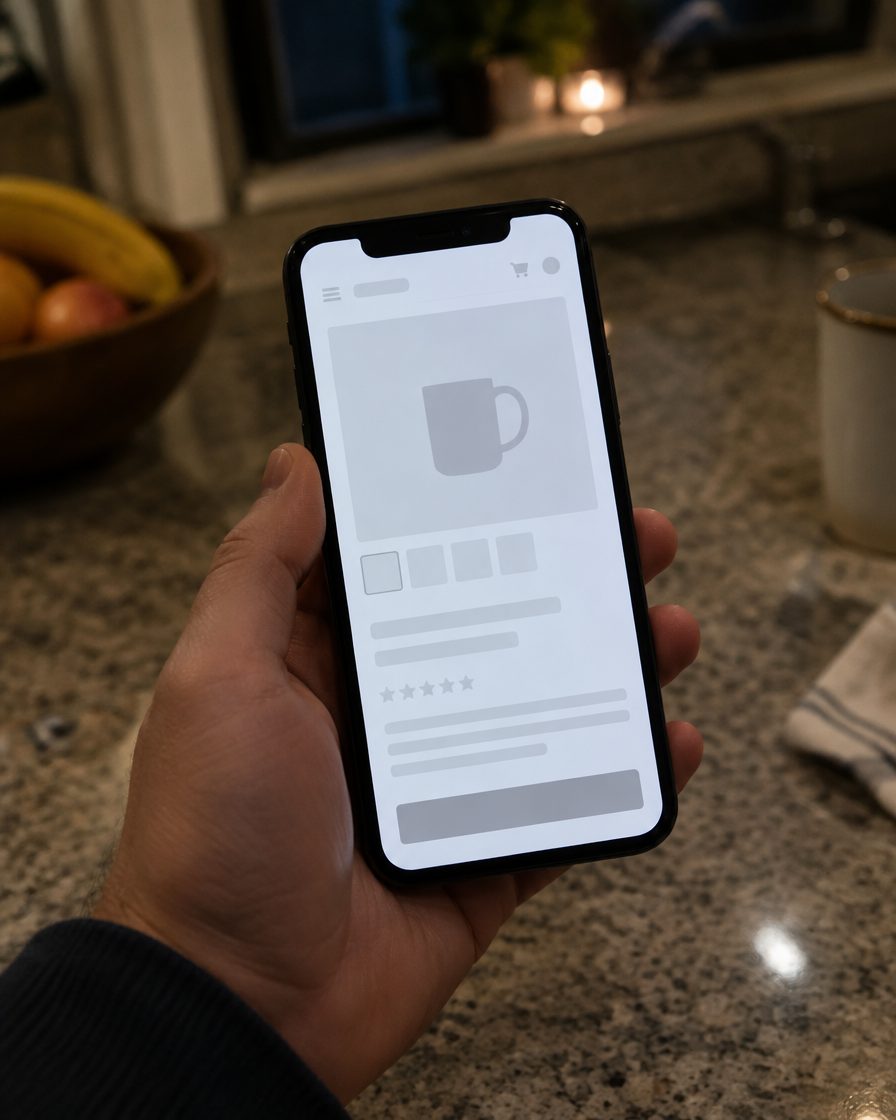
Why Shopify stores get slow and hard to change.
Four common problems that make a Shopify store slower and harder to run than it should be. None of them is the platform's fault, and each one is fixable.
- 01
Every app adds weight
Reviews, pop-ups, upsells, size charts and chat each tend to load their own scripts on every page, whether that page needs them or not. A store that was fast at launch slows down with each install, and a year later nobody remembers which app does what.
- 02
A theme only a developer can change
Older themes and heavy customizations often hard-code layouts that should be editable sections. Swapping a banner, reordering a collection page or adding a size guide turns into a developer ticket, so campaigns launch late and the store drifts away from the brand.
- 03
Rankings lost in the move
Shopify puts products under /products/ and collections under /collections/, so almost every URL changes when you move from WooCommerce or another platform. Without a redirect for each old page, the links and rankings the old store earned point at 404 pages.
- 04
Designed on a desktop, bought on a phone
Many stores are designed on a large monitor and checked on a phone at the end. Small tap targets, filters buried below the fold and full-size images on a mobile connection make shoppers work harder than most of them will.
The deliverable
What a well-built Shopify collection page includes
Collection pages are where shoppers browse and where many category searches land. This is how we build them.
6 components, every page
 Washed Linen Duvet Cover
 Washed Linen Duvet Cover
 Linen Duvet Set, 3-piece
Editable hero and intro sections
A banner and a short intro your team can change per collection in the theme editor, written as text search engines can read.
Content blocks your team can edit
Buying guides, size help or promotions added as blocks, so merchandising changes go live without a developer.
Product cards with structured data
Price, stock status and a correctly sized image on every card, with product markup on each product page the cards link to.
Filtering that does not slow the page
Filters built on the store's own product data that update results quickly, without loading a heavy third-party search script.
Navigation that scales with the catalog
Menus and collection links planned for the catalog you will have next year, so new product ranges fit without a redesign.
Reviews and FAQ without heavy apps
Review stars and common questions rendered in the theme, loading only what the page needs instead of a full app bundle.
The fix
Shopify development services built for speed, easy editing and clean launches.
Every retainer is built around the verticals it serves. Below is the work — and we'll tell you on the audit call which of these actually move the needle for your situation.
- Custom Online Store 2.0 themes built from sections and blocks your team can rearrange in the theme editor
- Speed work: properly sized images, lazy loading below the fold, and no scripts on pages that do not use them
- An app audit that keeps the apps that earn their place and replaces the rest with theme code where that makes sense
- Custom features built into the theme or as a custom app: bundles, product options, size guides, store locators
- Collection and navigation structure planned for the catalog you will have next year, not only today's
- Product structured data, plus editable titles, meta descriptions and image alt text across the catalog
- Migrations from WooCommerce and other platforms: products, customers, order history, content and a 301 redirect for every old URL
- Analytics and conversion tracking checked before launch, then a watch on 404s, speed and search traffic afterward
How we deliver
A phased rollout — not a 100-page strategy doc.
You see live work shipped every month, with quarterly executive reviews to recalibrate priorities.
Plan
Month 1
- Store and app audit
- Catalog, collection and navigation map
- Mobile and desktop designs
- URL inventory and redirect map
Build
Months 2–3
- Custom Online Store 2.0 theme
- Editable sections and blocks
- Custom features and app integrations
- Product, customer and order migration
Launch
Month 4+
- 301 redirects imported and tested
- Speed and mobile checks
- Analytics and conversion tracking
- Theme editor training for your team
Why us, for this vertical
What we bring that the generic agency down the street doesn't.
Installing a theme is the easy part. These four things shape how we build, rebuild and migrate Shopify stores.
Fewer apps, faster pages
Every project starts with an app audit. Features the theme can handle in code move into the theme, apps that earn their place stay, and scripts load only on the pages that use them.
A theme your team can run
Anything a merchandiser changes often is a section or block in the theme editor. After launch your team gets a walkthrough, so banners, collection intros and landing pages do not wait for a developer.
Migrations without lost URLs
Every old product, category, page and post URL is listed with its traffic and mapped to its new address before launch. It is the same discipline behind Migrate Redirect Map, the redirect module we published on drupal.org.
A Shopify Partner with work to show
Gspikes has been a Shopify Partner since October 2026, and we built the Saudi Furnish store. The same team also builds custom software, so connections to inventory, ERP or fulfillment systems stay in one place.
FAQ
Got questions?
The same questions every prospect asks. Don't see yours? Tell us — answers within one business day.
Ask us anything
How much do Shopify development services cost?
How long does a Shopify build or rebuild take?
What is included in a custom Shopify theme?
Can you move my store from WooCommerce to Shopify without losing SEO?
Should I hire a Shopify developer or a development agency?
Do I own the theme and the store?
Do I need Shopify Plus?
Will you replace my apps with custom code?

Free SEO audit
Ready to build or rebuild your Shopify store?
Get a free 30-minute audit. We'll walk through your current rankings, the keywords you're missing, and what we'd do in the first 90 days. No deck, no sales pitch.
Or email [email protected]